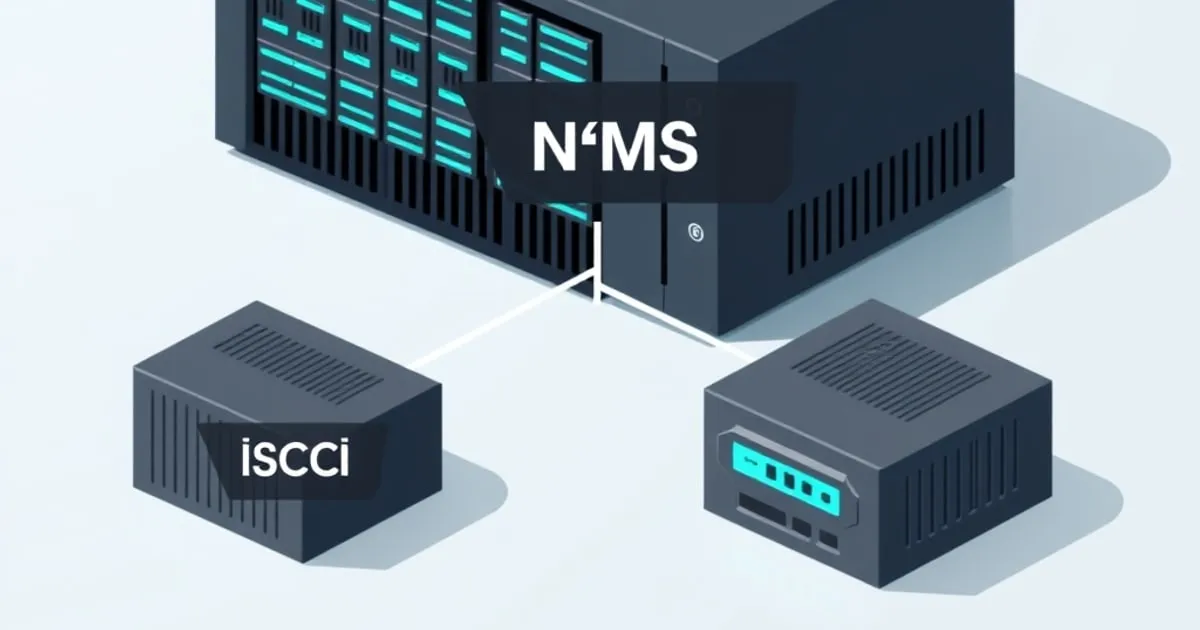
Choose SMB for shared folders used by desktops, NFS when a server or hypervisor expects a file mount, and iSCSI when the consumer requires a block device. In TrueNAS, that choice determines whether you create a dataset and file share or a zvol and block share. Decide who owns the files before opening the share wizard.
This guide covers the TrueNAS configuration decision. For protocol architecture and the general comparison, see iSCSI vs NFS vs SMB. Neither the protocol name nor the share preset guarantees a performance ranking.
Which share should you create in TrueNAS?
| What the client needs | TrueNAS object | Share choice | Decide before creating it |
|---|---|---|---|
| A shared folder for desktop files | Dataset | SMB | Users, groups and dataset ACL |
| A file mount for a Linux server | Dataset | NFS | Client access restrictions and identity mapping |
| A hypervisor datastore made of files | Dataset | NFS if supported by that hypervisor | Mount settings and backup consistency |
| A raw disk for an initiator | Zvol | iSCSI | Capacity, block size and client ownership |
| Files used by an app on this NAS | Dataset or app-managed storage | Usually a local app mount | App permissions and persistent-data paths |
The last row avoids creating a network share unnecessarily. An app on TrueNAS can use locally assigned storage; create an SMB or NFS share only if other clients also need file access. The dataset-vs-zvol guide explains the underlying object choice.
Use an SMB dataset for shared desktop files
Start with a dedicated dataset for documents or media instead of sharing the pool root. In the cited TrueNAS 25.04 workflow, the SMB dataset preset prepares the permission model; the share form then points to that dataset. Give a group access and add the intended users to that group.
Dataset permissions and a running SMB service are separate requirements. A share can exist in the interface while clients still cannot connect or write. Confirm the path, ACL and user credentials, enable the service, then connect with an ordinary user account. Avoid using the administrator account as the file-sharing identity.
For backups from macOS, use the documented Time Machine purpose for that dataset. For app-owned files, confirm the application’s storage access separately from the desktop user’s permissions. The TrueNAS SMB setup guide covers users, ACLs, share purposes and the app-storage restrictions in detail.
Use NFS when the server expects a file mount
Create a dataset and select its path in the NFS share form. Limit access to the intended hosts or networks, then enable NFS. Plan how the client user and group identities map to the files; a successful mount does not by itself prove that the application’s account can write.
An NFS datastore keeps VM disk images as files on the server. Confirm that the hypervisor supports the NFS version and storage use you intend. Its backup and snapshot integration still matters: a snapshot of a live VM disk file is not automatically an application-consistent database backup.
Keep separate datasets for workloads with different permissions or retention policies. This lets you apply a quota or snapshot schedule without changing every other server mount. The official NFS share instructions document allowed networks, hosts and mapping options.
Use an iSCSI zvol when the client needs a disk
Create a zvol when the consuming system needs to format and manage a block device. Select its capacity and block-size settings before placing data on it. TrueNAS then exposes storage through an extent associated with an iSCSI target; the initiator connects to that target.
Budget physical pool capacity as well as the zvol’s advertised size. A thin provisioned volume can promise more space than is available, so monitor the pool and snapshot consumption. The consumer’s free-space display is only one part of that accounting.
Do not connect two ordinary filesystems to the same writable LUN. Multiple initiators require a filesystem and coordination designed for shared block storage, such as an appropriate clustered datastore. A normal desktop filesystem does not supply that coordination just because both clients can discover the target.
Use the official TrueNAS iSCSI instructions for the version-specific wizard. For the network’s NAS target coverage, see how to expose a zvol over iSCSI.
Should SMB and NFS expose the same TrueNAS dataset?
Use a multiprotocol dataset only when the same files need both protocols. TrueNAS documents a dedicated multiprotocol preset because identity mapping, ACLs and file locking must agree. Two independently created shares pointing at the same path are not a substitute for that configuration.
The TrueNAS 25.04 multiprotocol guidance describes service-wide consequences, including disabling SMB2/3 leases and AAPL extensions when multiprotocol shares are enabled. Review that impact before combining NFS access with a server that also provides Time Machine shares. Separate datasets and a single protocol per workload are a simpler starting point.
Check the share with its actual consumer
After creating the share, confirm access with the account or initiator the workload will use. For file shares, verify creating, reading and removing a disposable file within that account’s allowed directory. For block storage, confirm the expected LUN and its ownership before formatting it.
Match the storage layout to the workload using RAIDZ vs mirrors. Then put the dataset or zvol into a snapshot and replication plan, including application-aware backups where required. Share selection, disk redundancy and recovery planning solve different parts of the deployment.


